Is the constant beeping sound from your Prius when you reverse starting to get on your nerves? You’re not alone.
That reverse beep, made to keep people safe, can feel like a distraction. I used to find it annoying late at night and in quiet neighborhoods. What if you could turn it off quickly and safely? In this guide I’ll share simple, reliable ways to silence the reverse beep on many Toyota Prius models. I’ll also cover safety, legal tips, and troubleshooting from my own experience.
Keep reading—you’ll be glad you did.

Credit: www.youtube.com
Why Prius Makes Reverse Beep
The Prius makes a reverse beep to warn people nearby that the car is moving backward. This is a deliberate safety feature. Hybrid and electric vehicles are quiet at low speeds. The beep fills that sound gap so pedestrians, cyclists, children, and pets can hear the vehicle coming.
Safety Reasons Behind The Beep
The beep reduces the chance of backing-over accidents. It helps in parking lots, driveways, and busy streets. For people with limited vision, the sound is an important cue. In short, it’s a simple, effective safety tool that warns others before the car moves backward.
When The Beep Activates
The beep plays only when you shift into reverse. It stops when you shift out or the car stops. The alert is designed to be audible outside the vehicle and to trigger every time you engage reverse gear. That makes the warning consistent and easy to rely on.
Checking Prius Model Compatibility
Before you try to disable the beep, confirm whether your Prius model supports turning it off. Toyota has changed features over the years. Knowing your model year and trim helps you pick the right method. I always double-check VIN-specific info or the owner’s manual first.
Models With Beep Feature
Most recent Prius models include a reverse beep. This includes many Prius, Prius c, Prius v, and Prius Prime versions from the mid-2010s onward. Older Priuses and early hybrid models sometimes do not have the external beep. If you are not sure, check the owner’s manual or look for “Reverse Warning” or “Back-up Warning” in the vehicle settings.
Differences In Beep Systems
The beep system varies by model and region. Some cars use a built-in speaker or external transducer. Others rely on the parking sensor or camera system for alerts. In a few models you can change the volume or mute the tone in the settings. In others you may need a physical button, a dealer reprogram, or an aftermarket fix.
Methods To Silence The Reverse Beep
I’ll cover the common, low-risk ways to silence the Prius reverse beep. I prefer quick software options first. They are reversible and do not touch wiring. If those don’t work, I’ll describe safer aftermarket and professional options.
Below are three common approaches. Choose the one that fits your model and comfort level.
Using The Settings Menu
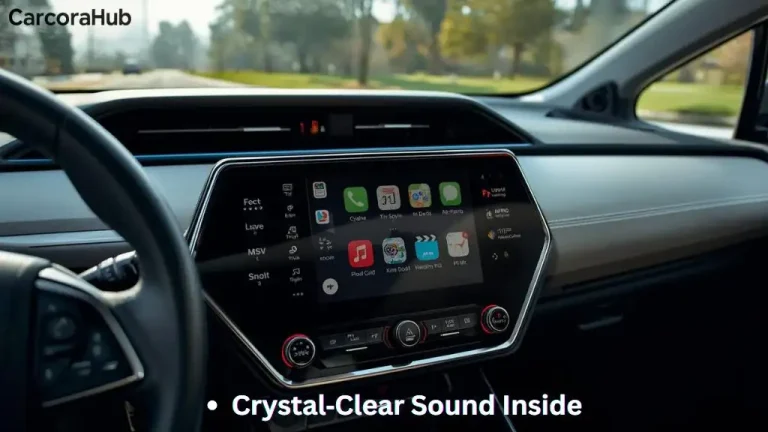
Many newer Prius models let you disable the reverse beep from the infotainment or vehicle settings. This is the cleanest method. It doesn’t change hardware and you can turn it back on anytime.
Typical steps I use (menus vary by year and region):
- Turn the car to ON (without starting the engine fully if your model allows).
- Open the main display and tap Settings or Setup.
- Find Vehicle Settings, Sound Settings, or Safety Settings.
- Look for “Reverse Warning,” “Back-up Beeper,” or “Parking Sensor Sounds.”
- Switch the option off or set the volume to zero.
If you don’t see these options, the feature may be locked or unavailable for your model. Try the owner’s manual or the next method.
Disabling Through Physical Buttons
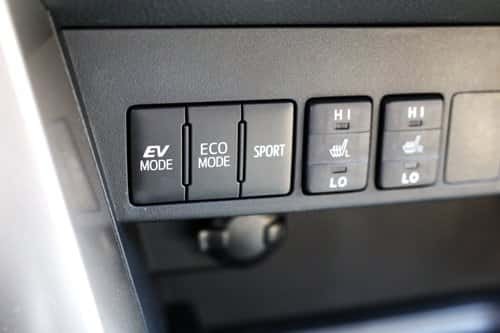
Some Priuses have a physical button that controls parking or safety sounds. It might be marked “P,” “●,” or a speaker icon. It can be near the dash, center console, or steering wheel in some trims.
How I do it:
- Locate the button marked for parking aids or sound.
- Press and hold for a few seconds until you see a message on the display or hear the beep stop.
- Test by shifting into reverse briefly.
This method is fast. If you cannot find a button, check the manual or try the settings menu.
Consulting The Owner’s Manual
The owner’s manual often lists exact menu paths and button locations. It can also include warnings and region-specific rules. I keep a PDF of my manual on my phone for quick reference. Follow the step-by-step instructions there to avoid mistakes.
Quick Checklist Before You Disable
- Confirm model year and trim.
- Check local laws (some areas require beepers).
- Test reverse safety with a spotter before driving in public.
- Have the owner’s manual or VIN info handy.
- Prefer reversible methods first (settings or button).
Aftermarket Solutions
Aftermarket options exist if the factory settings won’t disable the beep. These range from simple plug-in modules to professional rewiring. I recommend reversible, non-destructive choices first.
Many products and services are available for different needs. Choose reputable brands and certified installers when possible.
Beep Silencing Devices
Beep silencing devices plug into the car’s wiring harness or parking sensor circuit. They filter or mute the signal that triggers the external beeper. Some models let you set volume or mute schedules. Key benefits:
- Reversible—easy to remove.
- No permanent changes to Toyota electronics.
- Often inexpensive and quick to fit.
Be careful: low-quality units can cause electrical noise or interfere with sensors. Choose hardware with good reviews and clear installation guides.
Professional Installation Options
Professional installers can modify wiring or reprogram modules if needed. I use pros when I’m unsure about compatibility or when warranty concerns exist. A trained technician will:
- Diagnose the beep source (speaker, transducer, or ECU signal).
- Offer a safe, reversible modification if possible.
- Document changes to maintain warranty clarity.
Ask the installer about warranty impact and get work in writing. Proper installation reduces the risk of accidental safety system disruption.
Alternatives to Fully Disabling the Beep
If you want less noise but still want a safety cue, try these options:
- Lower the beeper volume in settings (if available).
- Use directional tones or softer beeper modules from reputable vendors.
- Enable visual cues only (camera + on-screen guidelines) while keeping a low-volume beep.
These choices keep pedestrian warning intact while reducing annoyance.
Legal And Safety Considerations
Turning off the reverse beep has legal and safety implications. The sound exists to protect people. Before disabling it, weigh the convenience against the safety trade-offs. I always err on the side of caution and only disable the beep in controlled, low-risk scenarios.
Laws Regarding Reverse Beepers
Some states, provinces, and countries require audible backup warnings on vehicles, especially for commercial or modified vehicles. Penalties can include fines or failed inspections. Check local DMV or transport authority rules before you change anything. If you travel or sell the car, keep records of any changes you made.
Impact On Pedestrian Safety
Removing the beep reduces an important alert for pedestrians and cyclists. This risk increases around children, people with low vision, and in busy parking areas. If you disable the beep, compensate with extra caution. Use a spotter when possible and scan your surroundings carefully before reversing.
Practical Safety Tips If You Disable the Beep
- Always look over your shoulder before reversing.
- Use mirrors, backup camera, and parking sensors together.
- Reverse slowly and keep your foot ready to brake.
- Consider a mirror-mounted convex for blind spots in driveways.

Credit: www.wikihow.com
Troubleshooting Common Issues
Troubleshooting prevents frustration. I’ve run into cases where the beep stayed on even after I thought I’d disabled it. Below are common problems and quick fixes that helped me.
Beep Still Active After Disabling
If the beep stays on, try these steps:
- Turn the car off and back on, then re-check the setting.
- Confirm you saved the setting—some menus require an “OK” or “Save.”
- Check for regional settings that auto-reset after a power cycle.
- Inspect fuses and wiring if you suspect a hardware fault.
Small software delays or unsaved menu changes are common. I usually re-run the menu path once more to be sure.
System Errors And Resets
System glitches can affect beep behavior. Try these safer reset steps first:
- Turn the vehicle off and wait a few minutes before restarting.
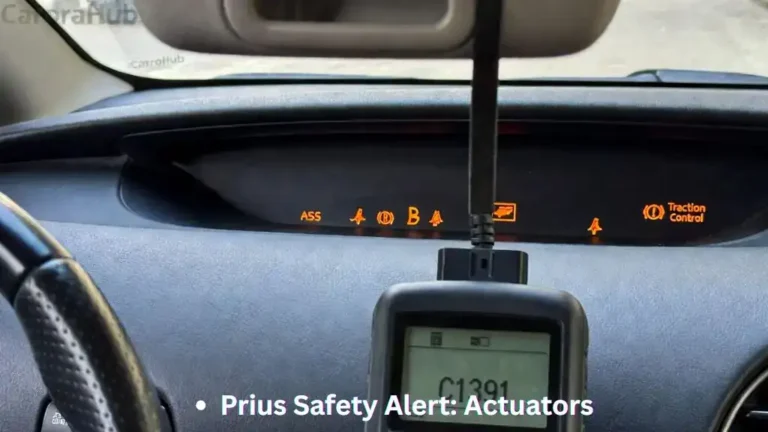
- Use diagnostic mode on the car to scan for related error codes (OBD2 or built-in diagnostics).
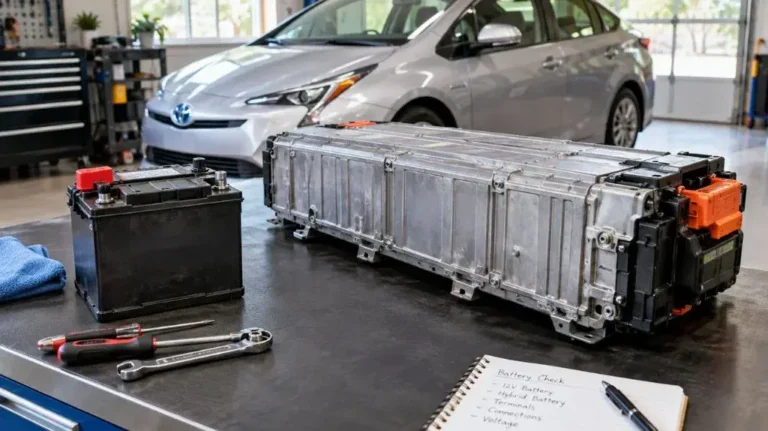
- As a last resort, disconnect the 12V battery for a few minutes to reset some modules. Only do this if you’re comfortable with the procedure and know radio/security code steps.
If errors persist, have a technician run a full diagnostic. They can identify if the speaker, ECU, or sensor wiring is at fault.

Credit: www.youtube.com
Frequently Asked Questions
How Do I Disable The Prius Reverse Beep Sound?
You can often turn off the reverse beep from the car’s settings menu. Look for “Reverse Warning,” “Back-up Beeper,” or “Parking Sensor Sounds” and switch it off. If your model uses a physical button for parking sounds, press and hold it.
Is It Safe To Turn Off The Prius Backup Beep?
Turning off the beep reduces an important warning cue. It can be safe if you compensate with extra visual checks, a camera, and slower reversing. Always consider local laws and pedestrian safety first.
Can I Turn Off The Beep Without A Dealer Visit?
Yes. Many Prius models let you disable the beep through the dashboard settings or a physical button. Aftermarket options and DIY steps can also work. If settings are locked, a dealer or certified technician may be needed.
Does Turning Off The Beep Affect The Car’s Warranty?
Disabling the beep via factory settings generally won’t void warranty. Permanent wiring changes could raise questions. If in doubt, ask your dealer or check warranty terms before making hardware modifications.
Why Does My Prius Beep When Reversing?
The beep warns pedestrians and other drivers that the car is moving backward. It’s a safety feature designed for quiet hybrid vehicles.
Will The Beep Come Back After Restarting The Car?
Usually, once turned off in the settings, the beep stays off until you turn it back on. If it returns after restart, double-check you saved the setting or look for system resets that may restore defaults.
Can I Adjust The Beep Volume Instead Of Turning It Off?
Some Prius models let you lower the beep volume. Check sound settings or vehicle settings for a volume slider or level option.
Are There Prius Models Without A Reverse Beep?
Yes. Older or early hybrid models might not have an external reverse beep. Most modern Prius models do include a beep for safety.
How Do I Find The Reverse Beep Setting In My Prius?
Check the dashboard display menu. Look under “Settings,” then “Vehicle Settings,” “Safety,” or “Sound.” The owner’s manual gives the exact path for your model year.
Can Turning Off The Beep Save My Car Battery?
No. The reverse beep draws very little power. Disabling it won’t noticeably extend battery life.
Conclusion
Turning off the Prius reverse beep can be simple. Start with the settings menu or the parking-sound button. If those options aren’t available, consider reversible aftermarket devices or professional help. Always balance convenience with safety and local regulations.
My take: disable the beep only when you can do so safely and responsibly. Keep your eyes on your mirrors and camera. Drive slowly while reversing, and stay alert to people and pets. With the right approach, you can enjoy a quieter drive without compromising safety.

Hello, I’m Norman. I work as a car researcher. I am the voice behind CaroraHub. I have over 15 years of experience. I give simple and useful car advice. I help with car care, cleaning, and small repairs. My goal is to help you keep your car healthy. I want car care to be easy and cheap for you. You can trust my tips to keep your car working well for a long time.