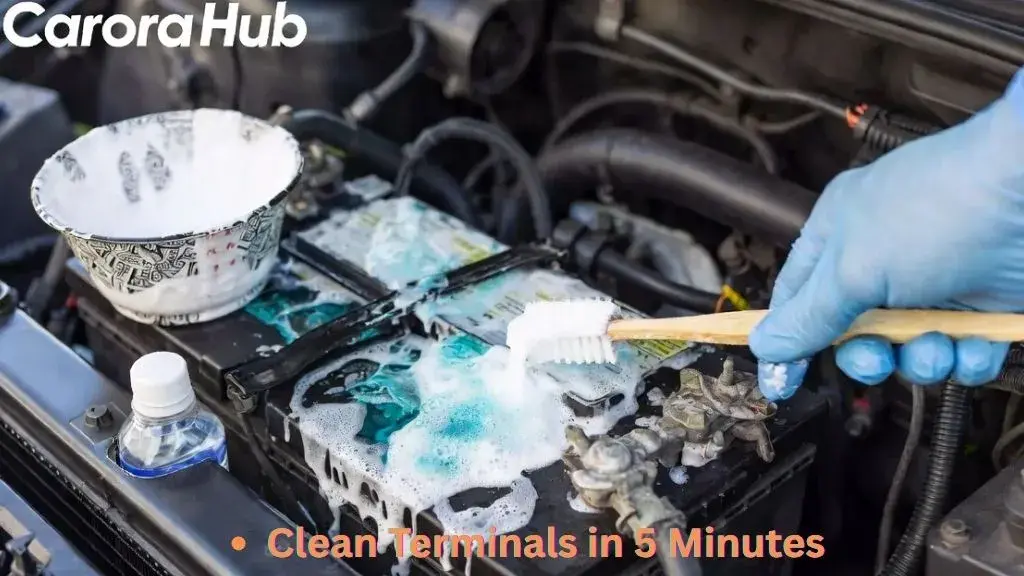
Cleaning your car battery terminals with baking soda might sound simple, but doing it the right way can make a big difference in your car’s performance. Dirty or corroded terminals are a common cause of starting problems, electrical issues, and even battery failure.
Many car owners overlook this small but important maintenance task, leading to headaches and unexpected breakdowns. As an automotive enthusiast, I’ve seen how this simple fix saves hundreds of dollars. Using baking soda is an effective, affordable, and safe method to restore your battery’s connections, save money, and extend your battery’s life.
In this guide, you’ll learn exactly how to clean your car battery terminals with baking soda—step by step. You’ll also discover why this method works, what tools you need, and how to avoid mistakes that could damage your battery or your car.
Whether you’re a beginner or have some experience, you’ll find practical advice, expert tips, and important safety information. By the end, you’ll feel confident to tackle this task yourself and keep your car running smoothly.
Why Cleaning Car Battery Terminals Matters
Car batteries are the heart of your vehicle’s electrical system. If the terminals are dirty or corroded, the battery cannot deliver power efficiently. This can cause several problems:
- Hard starting: Your engine may crank slowly or not at all.
- Electrical glitches: Lights may flicker, radios cut out, or accessories stop working.
- Battery drain: Corrosion can cause a slow drain, shortening battery life.
A study by the Battery Council International found that over 50% of battery failures are caused by poor terminal connections, not the battery itself. Cleaning the terminals regularly can prevent these issues and save you from buying a new battery before it’s needed.
What Causes Corrosion On Battery Terminals?
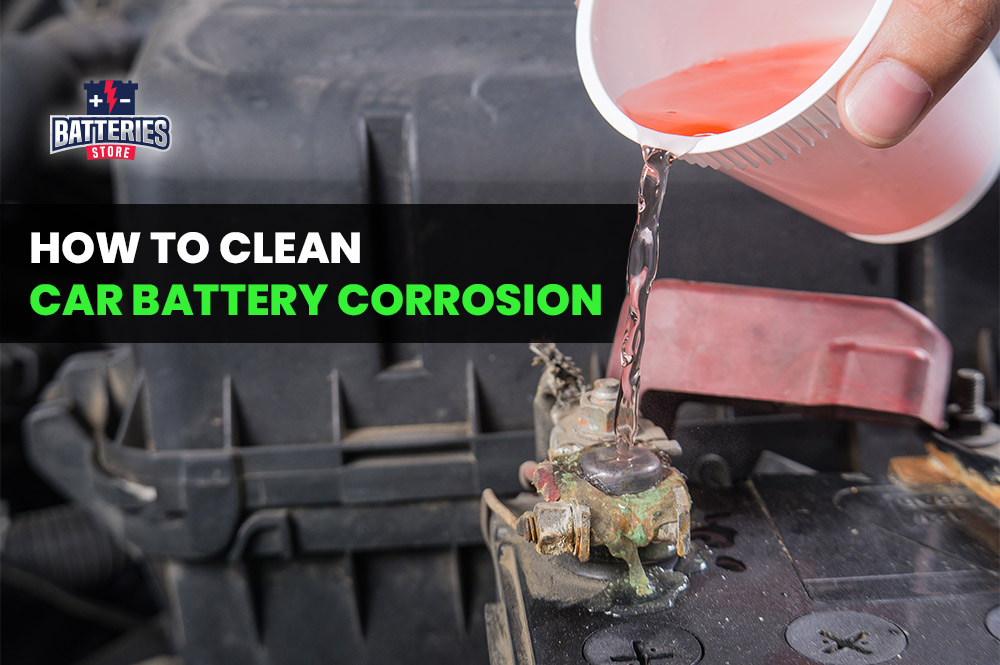
Corrosion appears as a white, green, or bluish powder on the battery posts and cable clamps. It forms when acid vapor from inside the battery reacts with metal and air around the terminals. Several factors increase corrosion:
- Overcharging: Causes acid to escape as vapor.
- Loose connections: Allow acid to leak around the terminals.
- Age: Older batteries are more likely to leak vapors.
Corrosion interrupts the flow of electricity, so even a small amount can create big problems. Cleaning it away restores a clean path for current.
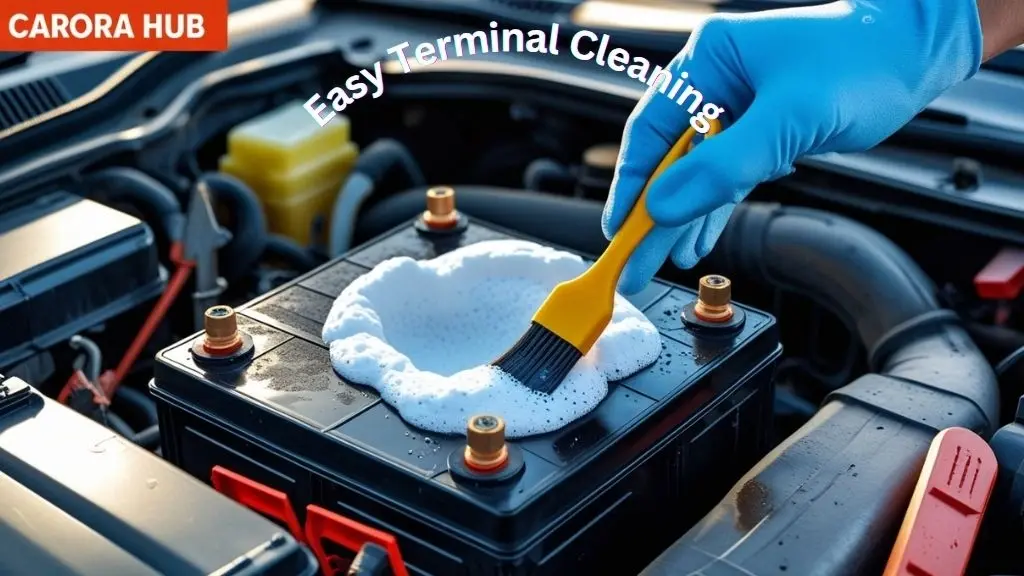
Why Use Baking Soda To Clean Car Battery Terminals?
Baking soda (sodium bicarbonate) is a gentle, non-toxic, and effective cleaner. It neutralizes battery acid and removes corrosion without damaging the battery or your car’s metal parts. Here’s why it’s a smart choice:
- Neutralizes acid: Baking soda reacts with acidic corrosion, making it safe to remove.
- Non-abrasive: It won’t scratch metal or plastic.
- Cheap and available: You probably have it in your kitchen already.
- Environmentally friendly: No harsh chemicals or fumes.
Many professional mechanics use baking soda for this task because it works and is safe for both people and vehicles.
Tools And Materials You’ll Need
Before you start, gather all the tools and materials. Having everything ready will make the job faster and safer. Here’s what you’ll need:
- Baking soda (about 2 tablespoons)
- Warm water (1 cup)
- Old toothbrush or small wire brush
- Wrench or pliers (to remove battery cables)
- Protective gloves and safety glasses
- Clean cloths or paper towels
- Petroleum jelly (optional, for protection)
- Small bowl (for mixing)
- Spray bottle (optional, for rinsing)
- Battery terminal puller (optional, for stubborn cables)
Some car batteries have protective covers on the terminals. You’ll need to remove these before cleaning.
Safety Precautions Before Starting
Car batteries contain acid and store electrical energy, so safety is very important. Follow these steps to protect yourself:
- Wear gloves and safety glasses. Battery acid can burn skin and eyes.
- Work in a well-ventilated area. Fumes can be harmful.
- Keep flames and sparks away. Batteries give off flammable gases.
- Remove jewelry like rings or bracelets. Metal can cause short circuits.
One non-obvious tip: Always clean one terminal at a time. This reduces the chance of accidentally creating a short circuit across the battery.
How To Clean Car Battery Terminals With Baking Soda: Step-by-step
Follow these steps carefully for a safe and thorough cleaning.
Step 1: Turn Off The Engine And Open The Hood
Make sure your car is parked, the engine is off, and the keys are out of the ignition. Open the hood and locate the battery. Some cars have the battery under a cover or in the trunk—check your owner’s manual if you’re not sure.
Step 2: Identify The Battery Terminals
Most car batteries have two terminals:
- Positive (+): Usually marked with a plus sign and may have a red cover or cable.
- Negative (–): Marked with a minus sign and usually has a black cable.
It’s important to identify these before removing anything.
Step 3: Disconnect The Battery Cables
Always disconnect the negative terminal first. This prevents sparks and protects the electrical system. Use your wrench or pliers to loosen the nut on the negative terminal, then lift off the cable. Next, do the same for the positive terminal.
If the cables are stuck, gently wiggle them or use a battery terminal puller. Never use excessive force—this can damage the battery post.
Step 4: Inspect For Damage
Before cleaning, look closely at the battery and cables. Check for:
- Cracks or leaks in the battery case
- Frayed or broken cables
- Heavy corrosion or rust
If you see any major damage, consider replacing the battery or cables before continuing.
Step 5: Mix The Baking Soda Solution
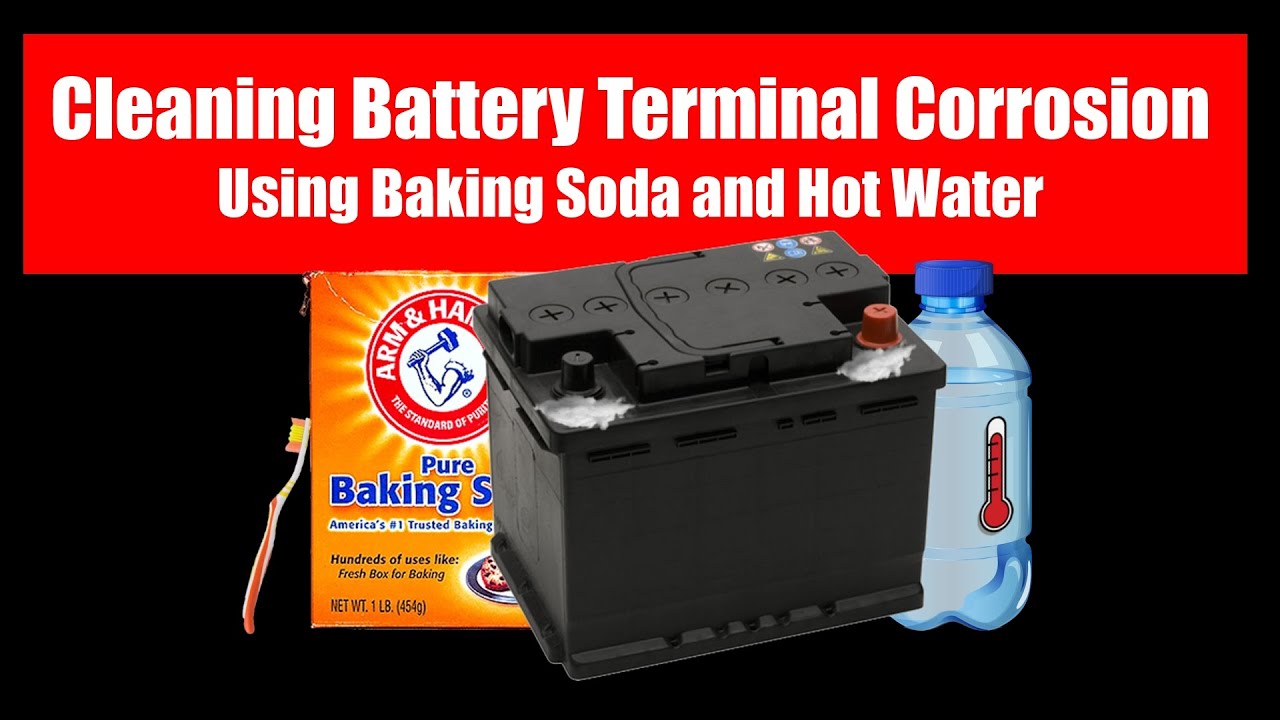
In a small bowl, mix 2 tablespoons of baking soda with 1 cup of warm water. Stir until the baking soda dissolves. This creates a cleaning solution that will foam up when it touches corrosion.
Step 6: Apply The Solution To The Terminals
Dip your toothbrush or brush into the solution. Scrub the corroded areas on the terminals and cable clamps. You’ll notice some fizzing—this means the baking soda is reacting with the acid and neutralizing it.
Don’t rush this step. Make sure to get into all the nooks and crannies, especially under the clamps.
Step 7: Clean Off Stubborn Corrosion
If corrosion is thick or hard, you may need to repeat the scrubbing. For very tough spots, sprinkle dry baking soda directly onto the area, then scrub with the brush dipped in water.
Pro tip: Avoid using metal brushes on newer batteries, as they can scratch protective coatings. A toothbrush is usually enough.
Step 8: Rinse And Dry
After scrubbing, rinse the terminals with clean water. You can use a spray bottle or carefully pour a small amount of water over the area. Wipe everything dry with a clean cloth or paper towel.
Moisture left behind can cause new corrosion, so be thorough.
Step 9: Reconnect The Battery Cables
Reconnect the positive cable first, then the negative. Tighten the nuts securely, but don’t over-tighten—they should be snug.
Step 10: Apply Protection (optional)
To prevent future corrosion, you can apply a thin layer of petroleum jelly to the terminals and clamps. This helps seal out moisture and acid vapors.
Some auto parts stores sell battery terminal protectors or sprays. These are also effective but not required.
Step 11: Check Everything And Start The Car
Double-check that all tools are removed from the engine bay and all connections are tight. Start your car. If it starts easily and the electrical accessories work well, your job is done.
If you still have problems, there could be a deeper electrical issue or the battery may be too old.
Credit: batteriesstore.ca
Comparison: Baking Soda Vs. Commercial Cleaners
Many stores sell battery terminal cleaners. Is baking soda just as good? Let’s compare:
| Feature | Baking Soda | Commercial Cleaner |
|---|---|---|
| Cost | Very low | Moderate to high |
| Safety | Non-toxic, safe | May contain strong chemicals |
| Effectiveness | Excellent for most corrosion | Fast, may remove very heavy corrosion |
| Availability | Everywhere | Auto parts stores |
| Environmental impact | Low | Varies |
Most car owners don’t need commercial cleaners unless the corrosion is extreme or the battery is very old.
Common Mistakes To Avoid
Cleaning battery terminals seems simple, but there are a few mistakes that can cause problems:
- Not disconnecting the battery: Cleaning with wires attached can cause shorts or sparks.
- Cleaning both terminals at once: This increases the risk of a tool bridging the terminals and creating a dangerous spark.
- Using too much water: Excess water can seep into the battery or electrical parts.
- Failing to rinse off baking soda: Any baking soda left behind can attract moisture and cause new corrosion.
- Forgetting safety gear: Battery acid burns skin and eyes easily.
A less obvious mistake: Some people use cola or vinegar instead of baking soda. While these can clean, they leave sticky residues or introduce more acid, which may make the problem worse over time.
How Often Should You Clean Battery Terminals?
For most cars, checking and cleaning the battery terminals every 6 to 12 months is enough. If you live in a hot climate, drive short distances, or have an older battery, check more often—every 3 to 6 months.
Some newer cars have “maintenance-free” batteries, but the terminals can still corrode. The only way to know is to look.
Signs Your Battery Terminals Need Cleaning
Don’t wait for your car to break down. Watch for these signs:
- Difficulty starting: Slow cranking or repeated clicks
- Dim headlights: Especially when starting or idling
- Electrical glitches: Power windows, radio, or dashboard lights act strange
- Visible corrosion: Any powdery buildup on terminals
If you see these problems, clean your terminals as soon as possible.
What To Do If Corrosion Keeps Coming Back
Sometimes, no matter how well you clean, corrosion returns quickly. This usually means:
- The battery is leaking gas: Old batteries often do this.
- Overcharging: Alternator problems can cause this.
- Loose connections: Allow acid vapor to escape.
If you clean the terminals and see corrosion again within a few weeks, get your battery and charging system tested. Many auto parts stores will do this for free.
Advanced Tips: Going Beyond The Basics
For those who want extra reliability or have experienced repeat corrosion, try these advanced tips:
Use Anti-corrosion Washers
These are felt rings soaked in a neutralizing compound. Place them around the battery posts before reconnecting the cables.
Upgrade The Cable Ends
Old or corroded cable clamps can be replaced with new ones. Brass or lead-free clamps resist corrosion better.
Seal With Special Sprays
Auto stores sell battery terminal sprays that seal out air and moisture. These offer extra protection, especially in harsh climates.
Check Battery Venting
Some batteries have small vent holes or tubes. Make sure these aren’t blocked, as trapped gas increases corrosion.
Comparing Cleaning Methods: Baking Soda Vs. Wire Brushing Alone
Some people clean terminals using only a wire brush. Let’s see how it compares to using baking soda:
| Method | Pros | Cons |
|---|---|---|
| Baking Soda Solution | Neutralizes acid, gentle, cleans deeply | Requires cleanup, can be messy |
| Wire Brush Only | Quick, no drying time | Does not neutralize acid, can scratch metal |
For long-term results, baking soda is the better option. It doesn’t just remove corrosion—it also stops it from coming back quickly.
Environmental Impact: Disposing Of Residue Safely
When you rinse away corrosion and baking soda, the runoff can contain traces of acid and metal. It’s best to:
- Collect rinse water on an old towel or tray and dispose of it in the trash (not down the drain).
- Wipe up any spills immediately.
- Wash your hands and tools with soap and water after finishing.
Baking soda is safe for the environment, but battery acid is not. Always handle with care.
Real-world Example: Cleaning Restores A Dead Battery
Imagine a car that won’t start on a cold morning. The owner calls for a jump start, but it doesn’t help. After opening the hood, a thick layer of white powder covers the battery terminals.
Instead of buying a new battery, the owner disconnects the cables, scrubs the corrosion away with baking soda and water, and dries the area. After reconnecting, the car starts right up. The “dead” battery was fine—the problem was dirty terminals.
This scenario happens every day. Cleaning the terminals can save you money and time.
Credit: www.youtube.com
What If My Car Still Has Problems After Cleaning The Terminals?
If your car still won’t start, the battery may be dead, the cables may be damaged, or another electrical issue could be present. Have the battery tested at an auto parts store, or consult a mechanic for further diagnosis. Cleaning the terminals solves most problems, but not all.
Keeping your car battery terminals clean is one of the simplest and most effective ways to avoid electrical problems and extend battery life. With baking soda, a few basic tools, and the right safety steps, you can do the job yourself in under half an hour. For more on car battery care and safety, check out the Wikipedia Car Battery page for detailed background.
Take a few minutes every few months to check your battery. This small habit can prevent major hassles and keep your car ready to go whenever you need it.
FAQs Of How to Clean Car Battery Terminals With Baking Soda
Is baking soda safe for car battery terminals?
Yes, baking soda is completely safe as it neutralizes acidic corrosion without damaging the metal posts or plastic casing.
How long should I leave baking soda on the terminals?
Let the solution fizz for 2 to 3 minutes to ensure the acid is fully neutralized before scrubbing.
Can I use a wire brush with baking soda?
Yes, but a stiff toothbrush is safer for regular cleaning to avoid scratching the protective lead coating on the terminals.
Do I need to rinse with water after cleaning?
Yes, always rinse with clean water and dry thoroughly to prevent moisture from causing new corrosion.
Does petroleum jelly prevent future corrosion?
Applying a thin layer of petroleum jelly creates a protective barrier against moisture and acid vapors, keeping terminals clean longer.

I am Julian Drive, an automotive enthusiast and repair expert with over 7 years of hands-on experience in vehicle maintenance. At Carora Hub, I simplify complex car issues into easy-to-follow DIY guides to help drivers stay safe and save on repair costs.