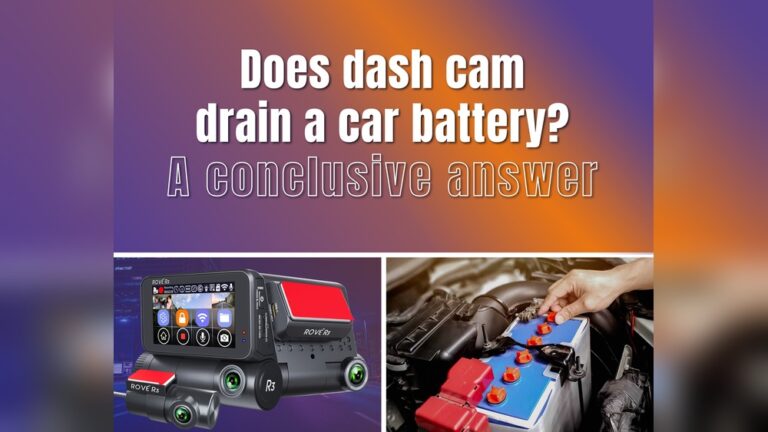
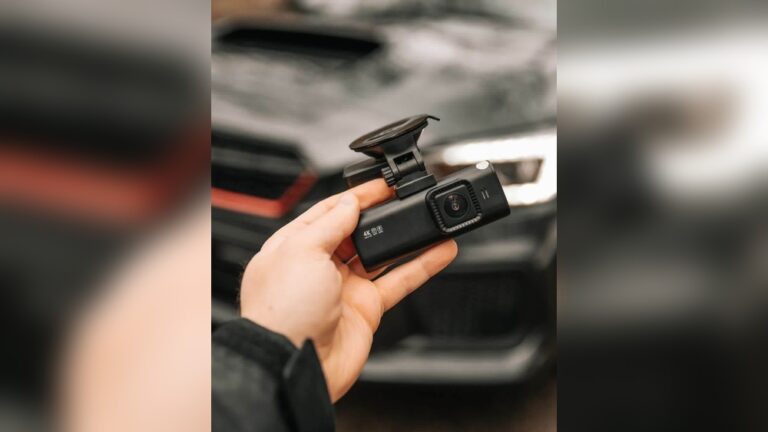
Have you ever opened your car door and found a dead battery — then realized your dash cam kept running all night? I’ve been there. It’s annoying and avoidable.
In this guide I’ll share practical steps I use and recommend to stop a dash cam from draining a car battery. You’ll learn how to pick the right power source, tweak settings, install correctly, and add simple accessories that protect your battery. Read on to keep your car ready and your dash cam working when it matters most.
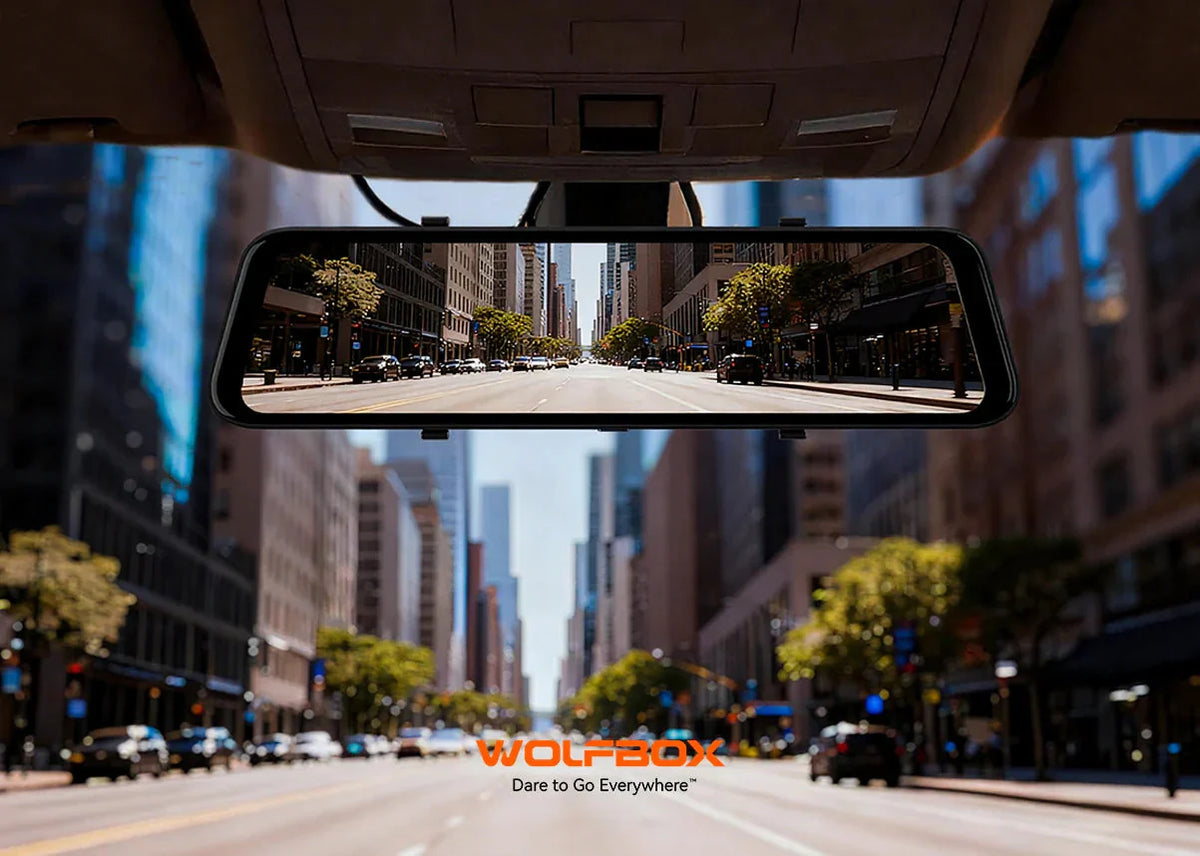
Credit: wolfbox.com
Common Causes Of Battery Drain
Dash cams are great for safety and evidence. But they can drain a car battery if set up or used badly. I’ll walk through the main reasons this happens so you can fix them fast.
Continuous Recording Issues
Many dash cams record constantly. That keeps the camera powered 24/7. Continuous recording uses more energy than most drivers expect. If your camera runs in 2K or 4K all night, the drain adds up.
Solutions I use: switch to event-triggered recording for parked cars, lower resolution when parked, and enable loop recording so files overwrite automatically. These changes cut power use without losing important footage.
Power Settings Impact
Wrong power settings are a big cause of battery loss. Some dash cams stay on after the engine shuts off. Others keep Wi‑Fi, GPS, or the screen active when you don’t need them. Each active feature draws current.
Turn off Wi‑Fi and GPS when you don’t need them. Set the screen to sleep or turn it off entirely. Use parking mode only when necessary and set timers or cutoffs to limit run time.
Faulty Wiring And Connections
Poor wiring can create a constant drain. A loose plug, damaged cable, or wrong fuse tap can let the camera draw power all the time. Over time, worn insulation or corroded contacts make things worse.
I check wiring during every service. Make sure the dash cam uses a switched fuse, use tidy cable routing, and replace frayed wires right away. Proper wiring stops hidden drains and prevents shorts.
Choosing The Right Power Source
The power source matters more than many people think. Pick one that gives safe, switched power and, when needed, includes a low-voltage cutoff. Here are the options I recommend and how to choose between them.
Using Hardwiring Kits
Hardwiring kits let you connect the dash cam to the car’s fuse box. Use a switched fuse (one that powers off with the ignition). That stops the camera from drawing power when the car is off.
Better kits include a low-voltage cutoff or battery protection module. Set that cutoff to protect your battery from deep discharge. When installed right, hardwiring is clean and reliable.
Leveraging Usb Power Adapters
USB adapters are quick and easy. They plug into the 12V socket. Many modern adapters have smart features like auto-shutoff or low-current detection. These reduce overnight drain compared with a simple always‑on adapter.
If you use a USB adapter, pick one with a stable 5V output and built‑in overcurrent protection. Remove it when you won’t use the camera for long periods to avoid slow battery loss.
External Battery Packs
External battery packs give the dash cam its own power. They keep the car battery untouched. These packs range from small portable units to purpose-made 12V dash cam batteries with a BMS (battery management system).
They can power a camera for hours or even days depending on capacity. I like external packs for long parking surveillance or when I park far from power. Make sure the pack supports the camera’s voltage and has built‑in safety features.
Optimizing Dash Cam Settings
Small setting changes can save a lot of battery. I routinely tweak a few items on every dash cam I own. They make the camera far less likely to drain the car battery.
Focus on screen brightness, automatic shutoff, and recording modes. Here are practical tips that work across most brands and models.
Adjusting Screen Brightness
Bright screens use more power. Turn the display to a low, comfortable level. If your camera has an auto‑brightness mode, use it. Also consider turning the screen off during normal driving. You can still record without the display.
Setting Automatic Shutoff
Automatic shutoff turns the camera off after inactivity. I set short timers — 5 to 10 minutes — when I want the camera to sleep quickly. This prevents the camera from running all day during short stops.
Make sure the camera wakes reliably when the car starts. Test the setting after you change it so you don’t lose recording during drives.
Managing Recording Modes
Recording mode affects power use a lot. Continuous high-res recording drains more. Event-based recording — motion, impact, or parking mode — only records when needed. Use parking mode with motion detection for parked cars. It captures incidents and saves battery power.
When possible, drop resolution from 4K to 1080p for parking recording. The footage is still useful and the power draw is lower.
Installation Best Practices
How you install a dash cam makes a big difference. A neat, proper install reduces power loss and avoids accidental drains. Here are the steps I follow and advise.
Proper Cable Management
Route cables cleanly along the headliner and pillars. Avoid tight bends or pinched spots. Use cable clips or zip ties to secure wiring. This protects cables from wear and keeps connections stable.
Neat routing also reduces the chance of unplugging or shorting while driving.
Avoiding Power Leakage
Connect the dash cam to a switched circuit, not an always‑hot one. Use an “add‑a‑fuse” or tap into a fuse that turns off with ignition. That prevents the camera from drawing current when the car is parked.
When hardwiring, pick a kit with voltage protection. It stops the camera from slowly draining the battery overnight.
Ensuring Secure Connections
Tight plugs and clean contacts matter. Loose or corroded connectors cause erratic power draw. After I install a camera I test it through several on/off cycles. That confirms the power is steady and the camera behaves as expected.
Using Battery-saving Accessories
Accessories can make a big difference in battery life. I use a few simple add-ons that save power and protect the car battery. They are affordable and easy to install.
Pick accessories that match your use case: daily driving, long-term parking, or fleet vehicles.
Low Power Consumption Models
Some dash cams are designed for low power use. They use efficient processors and sleep well in parking mode. If battery drain is a concern, choose a low‑power model. You keep video quality but cut energy use.
Power Saving Adapters
Power saving adapters control the camera’s feed and cut power when the car is off. They are plug‑and‑play for many dash cams. I use them as a quick way to protect the battery without a full hardwire job.
Smart Relays And Cutoffs
Smart relays and battery cutoffs monitor voltage and switch power off when the car battery gets low. They stop the camera from causing a deep discharge. If you park a lot or use parking mode, a smart cutoff is a must.
Credit: redtigercam.com
Routine Maintenance Tips
A little maintenance goes a long way. I check my dash cam and power components regularly. This keeps things running and avoids surprises.
Regular Firmware Updates
Manufacturers improve power and stability through firmware. Update the camera when new firmware is available. Updates can fix bugs that cause abnormal power draw.
Check the maker’s app or support page. Install updates during a drive or when the car is on to avoid draining the battery during the update.
Checking Battery Health
Your car battery health affects everything. A weak battery can die quickly even with small drains. Test battery voltage with a multimeter. If the resting voltage falls below about 12.2V, consider a health check or replacement.
Older batteries hold less charge and are more likely to be drained by parking mode. Replace an aging battery to avoid headaches.
Inspecting Power Components
Look for frayed wires, loose connectors, or corrosion. Clean connections and replace damaged cables. I keep a spare power cable and fuse tap in my glove box for quick fixes.

Credit: autoskyus.com
Frequently Asked Questions
How Can I Stop My Dash Cam From Draining The Car Battery?
Use a hardwire kit with a low‑voltage cutoff. This prevents the dash cam from using power once the battery reaches a safe minimum. Also turn off unneeded features like Wi‑Fi and GPS while parked.
Does Using Parking Mode Drain The Car Battery?
Yes. Parking mode uses power when the car is off. It can be handled safely with a low‑voltage cutoff, an external battery pack, or smart relays to prevent deep discharge. Limit parking mode use if you park for long periods without protection.
What Voltage Cutoff Should I Set For_My_Dash_Cam
Set the cutoff between 11.8V and 12.0V. That range helps avoid deep discharge for most 12V lead‑acid car batteries. If you have a newer AGM or lithium battery, check the battery maker’s recommendations and adjust accordingly.
Can A Dash Cam With Motion Detection Save Battery Power?
Yes. Motion detection keeps the camera in a low‑power state until movement occurs. This reduces constant recording and saves energy. Combine motion detection with a voltage cutoff for safe parking surveillance.
Additional Practical Checks I Always Do
I added this short checklist because it helps me avoid trouble. These are quick tests you can run in minutes.
- Measure idle draw: use a multimeter to check current from the fuse box with the dash cam plugged in. Typical idle draws should be small (check your camera spec).
- Test wake behavior: start and stop the engine and watch the camera. Confirm it powers on and off as expected.
- Inspect fuses: use a switched accessory fuse, not a fuse that stays hot. Use an “add‑a‑fuse” kit for a clean tap.
- Keep firmware current: check the app monthly for updates that fix power bugs.
Conclusion
Stopping a dash cam from draining your car battery is mostly about smart choices. Use a switched power source or external battery. Enable low‑power settings and use smart cutoffs for parking mode. Do simple checks often and update firmware when available.
I’ve used these techniques on different cars and they work. A few minutes of setup saves hours of trouble and money. Follow the steps above and your dash cam will protect you — without killing your battery.

I am Julian Drive, an automotive enthusiast and repair expert with over 7 years of hands-on experience in vehicle maintenance. At Carora Hub, I simplify complex car issues into easy-to-follow DIY guides to help drivers stay safe and save on repair costs.