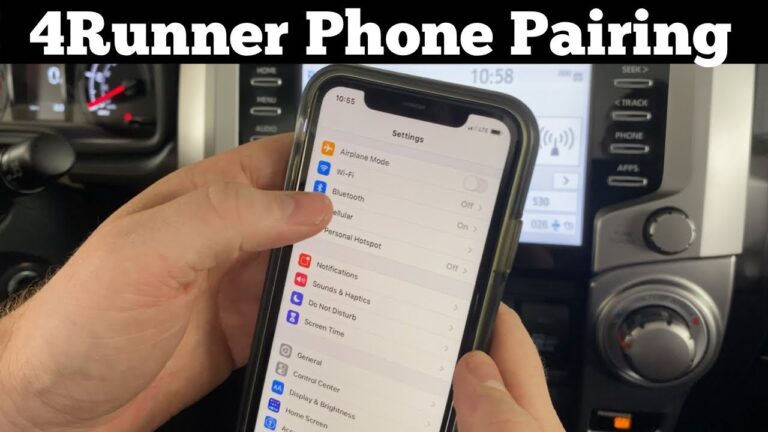
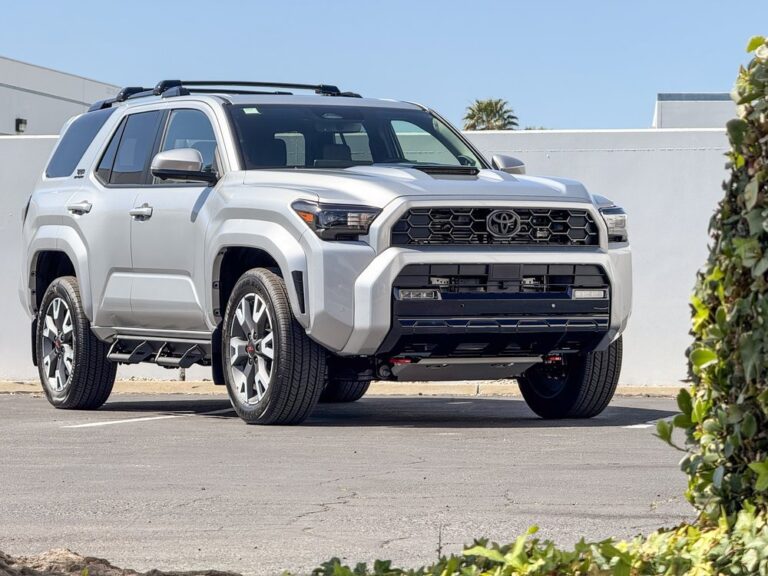
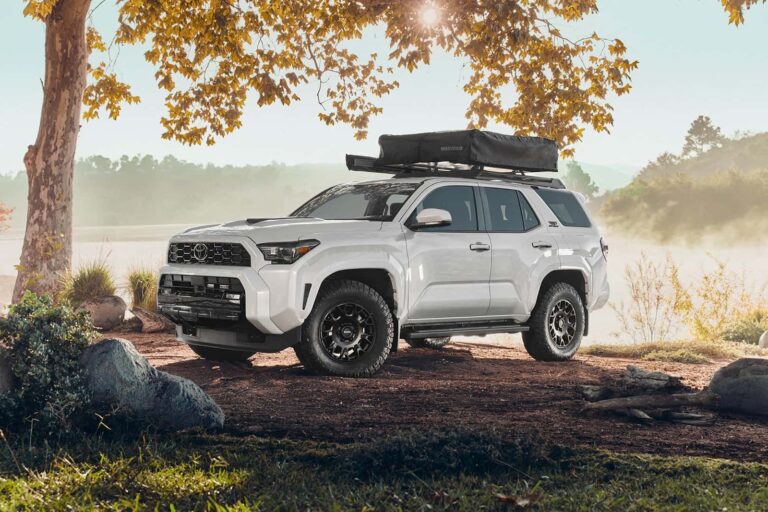
Yes the Toyota 4Runner has Apple CarPlay and Android Auto, but only on 2020 and newer models. Toyota made both standard across every 4Runner trim starting with the 2020 model year. If your 4Runner is a 2019 or older, it left the factory without them.
Quick answer: 4Runner CarPlay and Android Auto by year
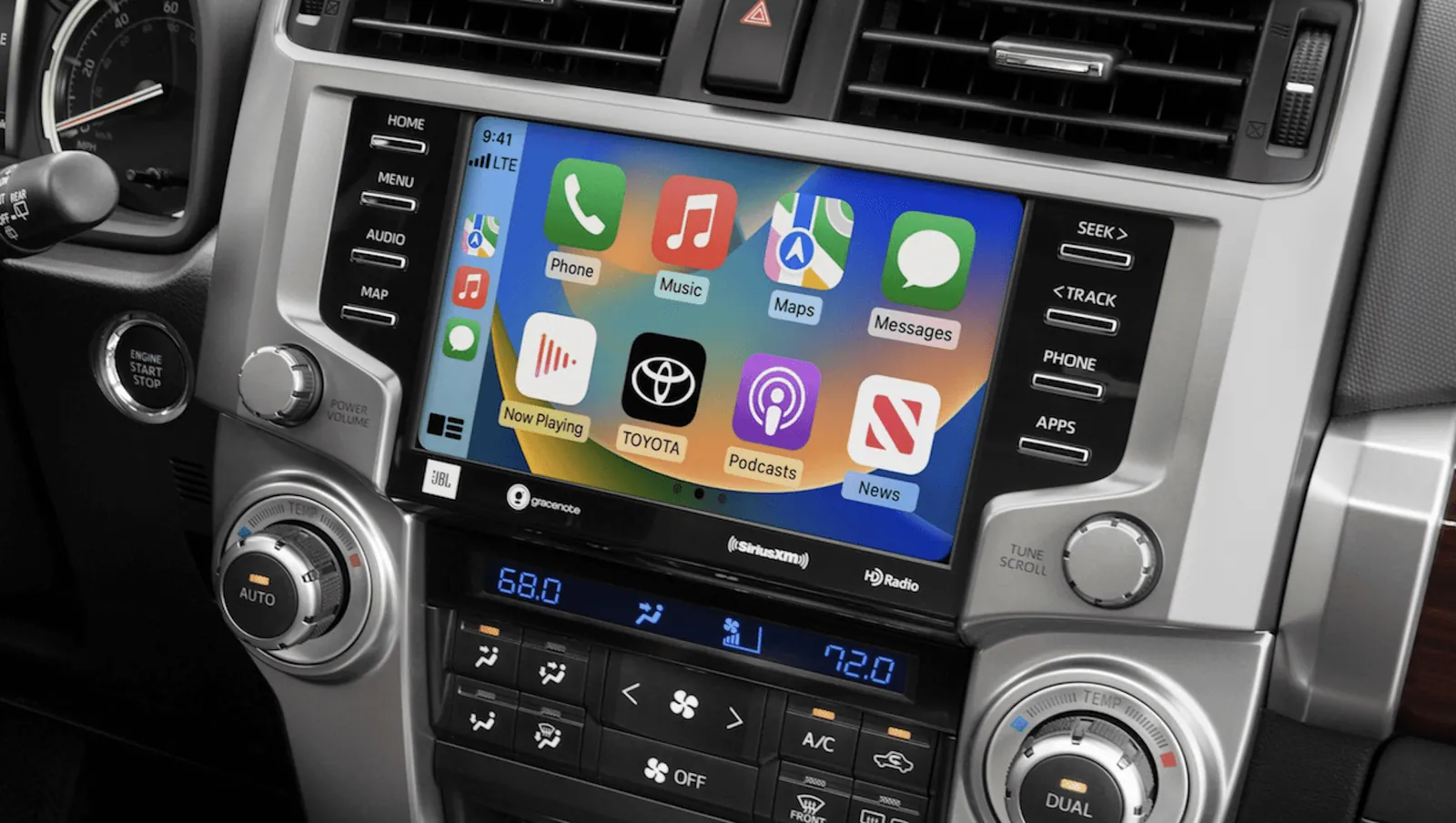
- 2020 and newer: Apple CarPlay and Android Auto are standard on every trim, including SR5, TRD Off-Road, TRD Pro, and Limited.
- 2014 to 2019: No CarPlay or Android Auto from the factory — the head unit runs Toyota’s older Entune system.
- 2010 to 2013: No smartphone mirroring of any kind.
- Connection is wired, not wireless: you plug in with a USB cable. The 4Runner’s system doesn’t support wireless CarPlay or Android Auto.
- Both apps run through the same USB port: plug in an iPhone and CarPlay opens; plug in an Android phone and Android Auto opens. You don’t switch a setting.
- Check your own truck: look at the screen menu for an “Apps” or “Projection” icon, or check the window sticker if you still have it.
Why the 2020 cutoff exists
Toyota added CarPlay and Android Auto to the 4Runner in the 2020 model year because that’s when the truck got a refreshed infotainment system. The hardware inside the dashboard changed, not just the software. Older 4Runners have a head unit that simply can’t run either app, so there’s no software update that adds them.
The 4Runner is a long-running body-on-frame SUV, and Toyota kept the same basic platform for over a decade. That’s why the screen lagged behind other Toyota models. The Tacoma and Tundra got CarPlay earlier in some trims, but the 4Runner waited until 2020.
If you want to confirm what your specific truck came with, the window sticker or the owner’s manual lists the exact audio system. Toyota’s official 4Runner page shows the current model’s standard features, which now include both apps on every trim.
One more thing worth knowing: even on 2020+ models, the system needs a data-capable USB cable. A charge-only cable will power your phone but won’t start CarPlay or Android Auto. That single detail causes more “it doesn’t work” complaints than anything else.
When the simple answer changes
The year rule covers most 4Runners, but a few situations flip the answer. Here’s what changes things.
| Situation | What changes | What to do instead |
|---|---|---|
| 2019 or older 4Runner | No factory CarPlay or Android Auto | Install an aftermarket head unit |
| 2020+ but charge-only cable | Phone charges, apps don’t open | Use the cable that came with your phone |
| Phone software is outdated | App won’t launch or keeps dropping | Update iOS or Android first |
| Aftermarket radio already fitted | Depends on that unit, not Toyota | Check the radio’s own spec sheet |
| Rental or used truck, year unknown | You can’t trust the listing | Check the VIN or the screen menu |
The aftermarket route is the common fix for older trucks. A double-DIN head unit with CarPlay and Android Auto fits most 4Runner dash kits, and shops install them regularly. It costs money, but it’s cheaper than trading in a truck you like.
How to set up CarPlay or Android Auto in your 4Runner
The setup is the same on any 2020 or newer 4Runner. Do these steps in order and check each one before moving on.
- Start the truck and let the screen load. Turn the ignition to ON or start the engine. Wait about 10 seconds for the infotainment screen to finish booting before you plug anything in.
- Use the cable that came with your phone. Plug the phone’s original cable into the USB port under the screen. A charge-only cable won’t work — if the app doesn’t appear, swap the cable first.
- Unlock your phone. Keep the screen unlocked while you plug in. A locked phone can still connect, but the first-time setup prompt won’t show until you unlock it.
- Accept the prompt on your phone. A message asks to allow CarPlay (iPhone) or Android Auto (Android). Tap Allow or Always Allow. If you tap “Not Now,” you’ll have to unplug and start again.
- Wait for the screen to switch. The Toyota menu is replaced by the CarPlay or Android Auto home screen within a few seconds. If nothing happens after 30 seconds, unplug and replug the cable.
- Set your default apps. Open Maps, Music, or your podcast app once so the system remembers them. The next time you plug in, they’ll open faster.
- Test the steering wheel buttons. Press the voice button and say a simple command like “navigate home.” If the button does nothing, the phone didn’t fully connect — unplug and repeat step 4.
- Keep the cable in the truck. Store a spare cable in the glovebox. Cables fail often, and a dead cable looks exactly like a broken system.
Mistakes that stop it from working
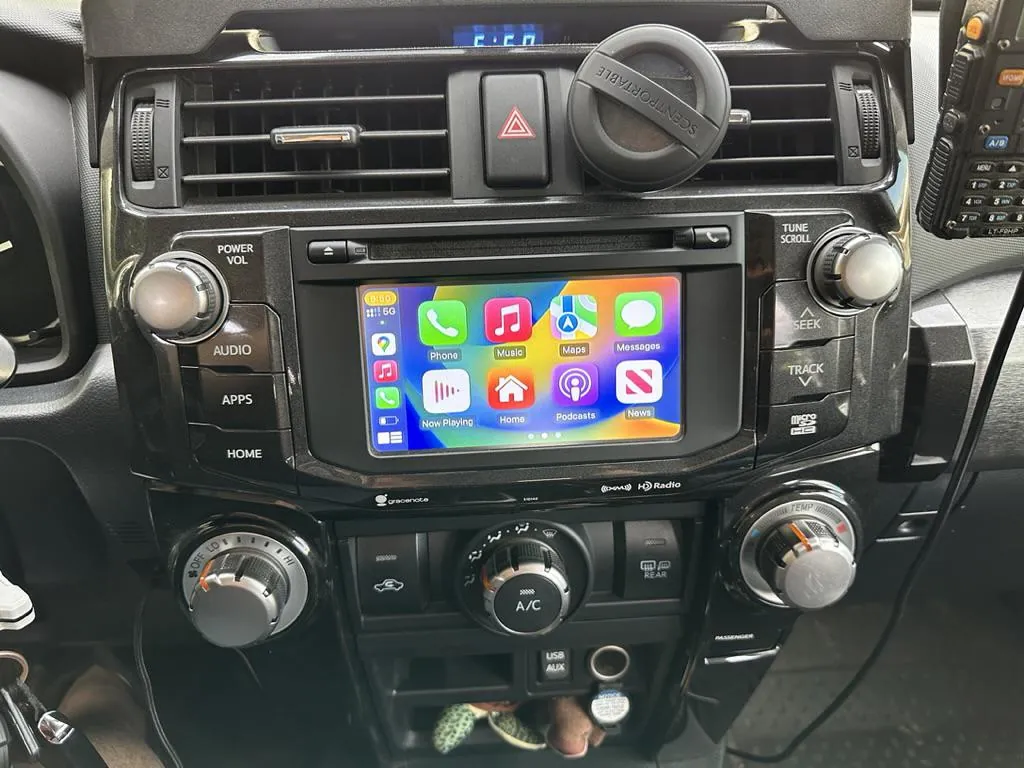
- Using a charge-only cable. This is the number one reason CarPlay or Android Auto won’t start. The phone charges, so people assume the cable is fine, but data pins are missing. Swap to the original cable and it usually works.
- Assuming an older 4Runner just needs an update. There’s no software fix for a 2019 or older truck. People pay for a dealer visit expecting an update, then find out the hardware can’t support it.
- Plugging into a USB hub or charger. Only the truck’s own USB port runs the apps. A 12V adapter or a hub in the console won’t start CarPlay or Android Auto.
- Ignoring phone updates. An old version of iOS or Android can break the connection after a phone update. Update the phone before blaming the truck.
- Forgetting to unlock the phone on first setup. The permission prompt hides behind the lock screen. If you never see the prompt, you never get the app.
Related guides
- Floor Mats That Fit Toyota 4Runner: Best Options for Your Model Year
- Apple Carplay Not Working on Toyota Sienna: Easy Fixes Guide
FAQs Of Does the 4Runner Have Apple CarPlay and Android Auto?
Does the 2020 Toyota 4Runner have Apple CarPlay?
Yes. Every 2020 4Runner trim has Apple CarPlay and Android Auto as standard, from the base SR5 up to the TRD Pro. It’s a wired connection through the USB port, so you plug in your iPhone with a data cable. There’s no wireless option on this model year.
Can I add CarPlay to a 2019 4Runner?
No, not through Toyota. The 2019 head unit can’t run CarPlay, and no official update adds it. Your options are an aftermarket head unit or a standalone CarPlay screen that mounts on the dash. Both work, but neither is a factory fix.
Is CarPlay wireless in the 4Runner?
No. The 4Runner uses a wired connection for both CarPlay and Android Auto. You plug the phone into the USB port every time. Some newer Toyotas offer wireless, but the 4Runner’s system doesn’t, even on the latest models.
Why won’t my Android Auto connect in my 4Runner?
The cable is the most likely cause. A charge-only cable powers the phone but carries no data, so Android Auto never starts. Try the cable that came with your phone, unlock the screen, and accept the prompt. If it still fails, update the Android Auto app.
Does the 4Runner have Android Auto on all trims?
Yes, on 2020 and newer models. Toyota made both CarPlay and Android Auto standard across every trim, so you don’t need a higher package to get them. On 2019 and older trucks, no trim has either one from the factory.
How do I know if my 4Runner has CarPlay?
Check the model year first — 2020 or newer means yes. Then look at the screen menu for an “Apps” or phone projection icon. If you see it, plug in a phone and the app should launch. The window sticker also lists it under audio features.
Does CarPlay drain my phone battery in the 4Runner?
No, it charges while connected. The USB port supplies power at the same time it carries data, so the battery goes up, not down. Lon
Conclusion
The short version: if your 4Runner is a 2020 or newer, you have both Apple CarPlay and Android Auto, and a good USB cable is all you need. If it’s older, the factory system can’t run them, and an aftermarket head unit is the realistic path. Check your model year and your cable before you spend money on anything else.

I am Julian Drive, an automotive enthusiast and repair expert with over 7 years of hands-on experience in vehicle maintenance. At Carora Hub, I simplify complex car issues into easy-to-follow DIY guides to help drivers stay safe and save on repair costs.